If you’ve searched for text-to-speech apps recently, you’ve probably seen Speechify everywhere.
It promises faster reading, better productivity, natural AI voices, and the ability to turn almost anything into audio from PDFs and articles to emails and scanned pages.
But after spending time evaluating how Speechify works in real use, not just testing features for a few minutes, the bigger question isn’t whether Speechify works.
It does.
The real question is whether it delivers enough value to justify the price.
This Speechify Review breaks down what it does well, where it falls short, who should actually use it, and whether there are better alternatives depending on your needs.
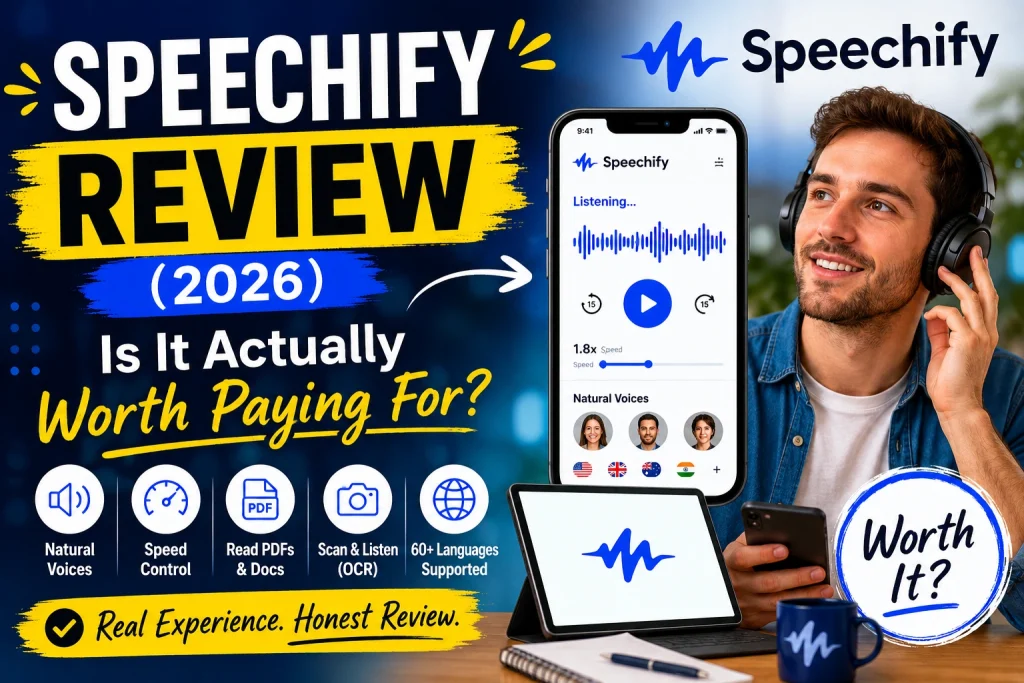
What Is Speechify?
Speechify is an AI-powered text-to-speech (TTS) platform that converts written content into spoken audio.
Instead of reading articles, documents, books, or PDFs manually, Speechify reads them aloud using AI-generated voices.
The platform works across:
- Web browser
- Chrome extension
- iPhone and iPad
- Android
- Desktop
- Cloud-based syncing
Its goal is simple:
Consume more information with less screen time.
For students, professionals, researchers, and people who prefer listening over reading, that idea sounds extremely attractive.
But practical use matters more than marketing.
My First Impression of Speechify
The first thing that stands out is how easy Speechify is to start using.
You install the extension or app, paste text, upload documents, or scan pages.
Within seconds, content becomes audio.
Unlike traditional robotic text readers, Speechify’s premium voices sound surprisingly smooth.
Words flow naturally.
Sentences pause correctly.
It feels closer to an audiobook than older text readers.
That experience alone explains why so many people continue using it.
But once the novelty wears off, daily usability becomes more important.
Key Features of Speechify
1. Text-to-Speech Conversion
This is the foundation.
Speechify reads:
- Articles
- PDFs
- Word documents
- Emails
- Notes
- Books
- Scanned pages
Importing files is fast and usually requires very little setup.
For long reading sessions, this becomes genuinely useful.
2. OCR Scanning (Photo to Audio)
One underrated feature is OCR.
Take a picture of printed text.
Speechify extracts the words and reads them aloud.
This works well for:
- Printed books
- Research papers
- Study notes
- Handouts
It performs best with clean pages and strong lighting.
Handwriting and complex layouts still create errors.
3. Adjustable Listening Speed
Speechify allows playback speed adjustments.
In theory, extremely high speeds are available.
In reality:
Most people settle around:
- 1.3x → relaxed listening
- 1.8x → efficient reading
- 2.5x → advanced listening
Anything far above that starts sacrificing comprehension.
The sweet spot is finding a speed that feels faster without losing understanding.
4. Browser Extension
This may actually be the strongest feature.
Open an article.
Press play.
Speechify reads instantly.
No copying.
No downloading.
No formatting.
For people who spend hours researching online, this becomes addictive.
5. Cross-Device Sync
Switch devices and continue listening.
This matters more than expected.
Start reading on desktop.
Continue on mobile.
Pick up where you stopped.
Simple but useful.
Speechify Voice Quality: Does It Sound Human?
Voice quality is where Speechify separates itself from many free competitors.
The premium voices sound significantly better than typical built-in readers.
Strengths:
✓ Better pacing
✓ More natural pauses
✓ Cleaner pronunciation
✓ Less robotic delivery
Weaknesses:
✗ Long sessions still reveal synthetic patterns
✗ Technical terms occasionally mispronounced
✗ Emotional storytelling remains limited
If your expectation is “AI audiobook narrator,” Speechify gets reasonably close.
If your expectation is “indistinguishable from humans,” not yet.